A home screen made of words.
Yoke is a minimal Android launcher. Hold an app to see what it's doing, swipe to drop a task on your Cockpit board, and set every gesture to whatever you want.
- Conductore
- Obsidian
- Signal
- Maps
- Camera
- Music
Theme: Tokyo Night
Hold an app to see inside it
Long-press an app and Yoke asks it what's going on. Apps that support it answer with a small live sheet; the rest show their shortcuts and app info.
Conductore is the first. Hold it to see your coding agents grouped by project, the way Conductore's home shows them, with the ones waiting on you counted at the top. Answer a question or pick Allow or Deny right in the sheet, without opening anything. The sheet updates while it's open.
Any app can join through a small, documented ContentProvider contract. Only apps signed with Yoke's key can read the data.
Swipe left, type, done
Swipe left on the home screen, type a task, pick a column and press Enter. Yoke writes the card straight into your Obsidian vault in the same format the Cockpit Board plugin uses, so Syncthing carries it to your desk and it lands in the right column.
Yoke reads your board's own settings from the vault, so your folder and columns are always the ones you set up in Obsidian. Sharing text from any app works too.
A line under the clock shows what's due today. Tap it for a Today sheet where you can finish, reschedule or open a card; long-press it to open the board.
Every gesture is yours
Swipes in four directions with one or two fingers, swipes along the screen edges, double tap, long press, pinch, taps on the clock and date, volume keys. Each one can open an app, an app shortcut, a link, or one of Yoke's own actions. Export the whole set as JSON and bring it to your next phone.
| Swipe up | App drawer |
|---|---|
| Swipe down | Notifications |
| Two fingers down | Quick settings |
| Swipe left | Add a task to Cockpit |
| Swipe right | Conductore agents |
| Double tap | Lock the phone |
| Long press, or two fingers up | Command palette |
| Pinch | Theme picker |
Type to do anything
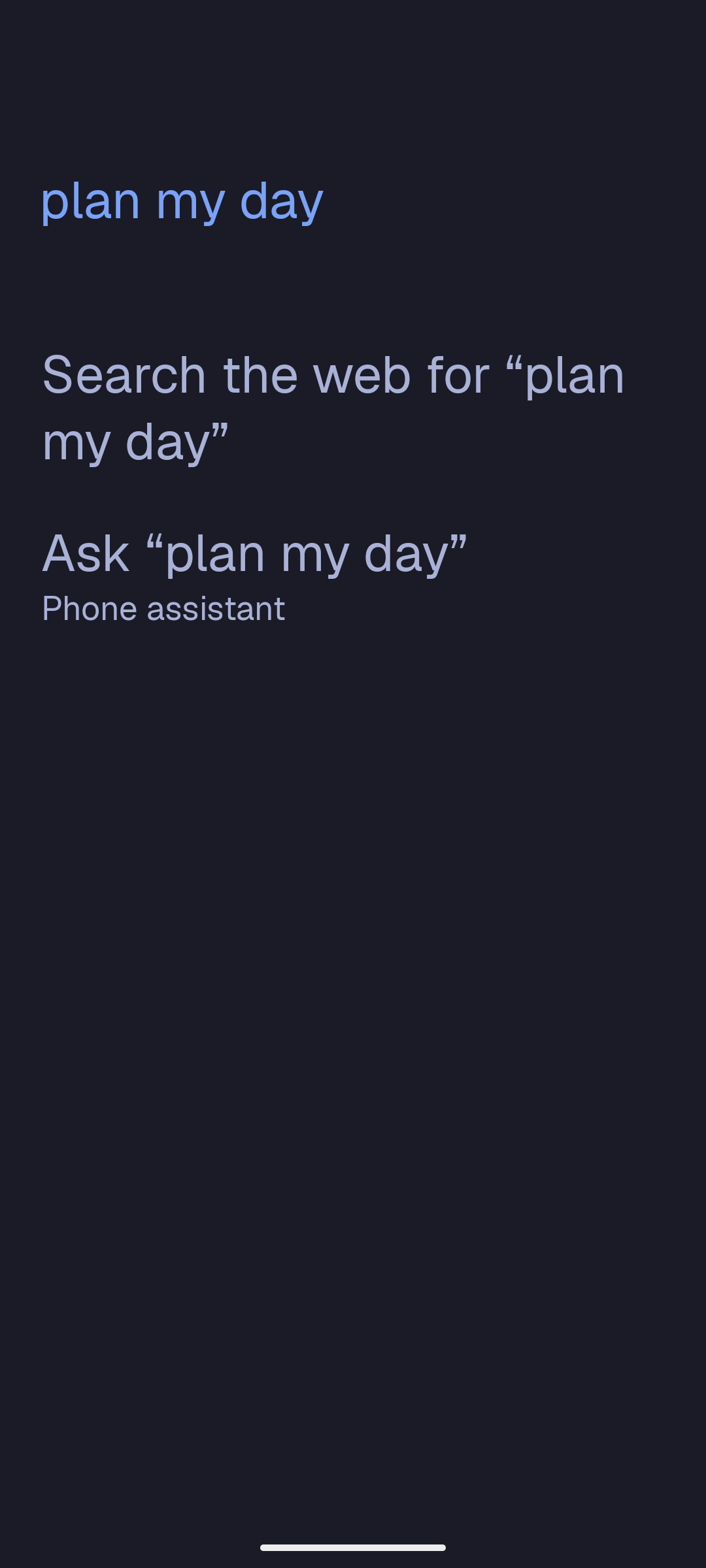
Search apps, web links, Cockpit cards, vault notes, contacts and settings as you type. Yoke opens the app when it is the only result left. Start with = for a calculator, > for Yoke's actions, or / to jump straight into an app shortcut.
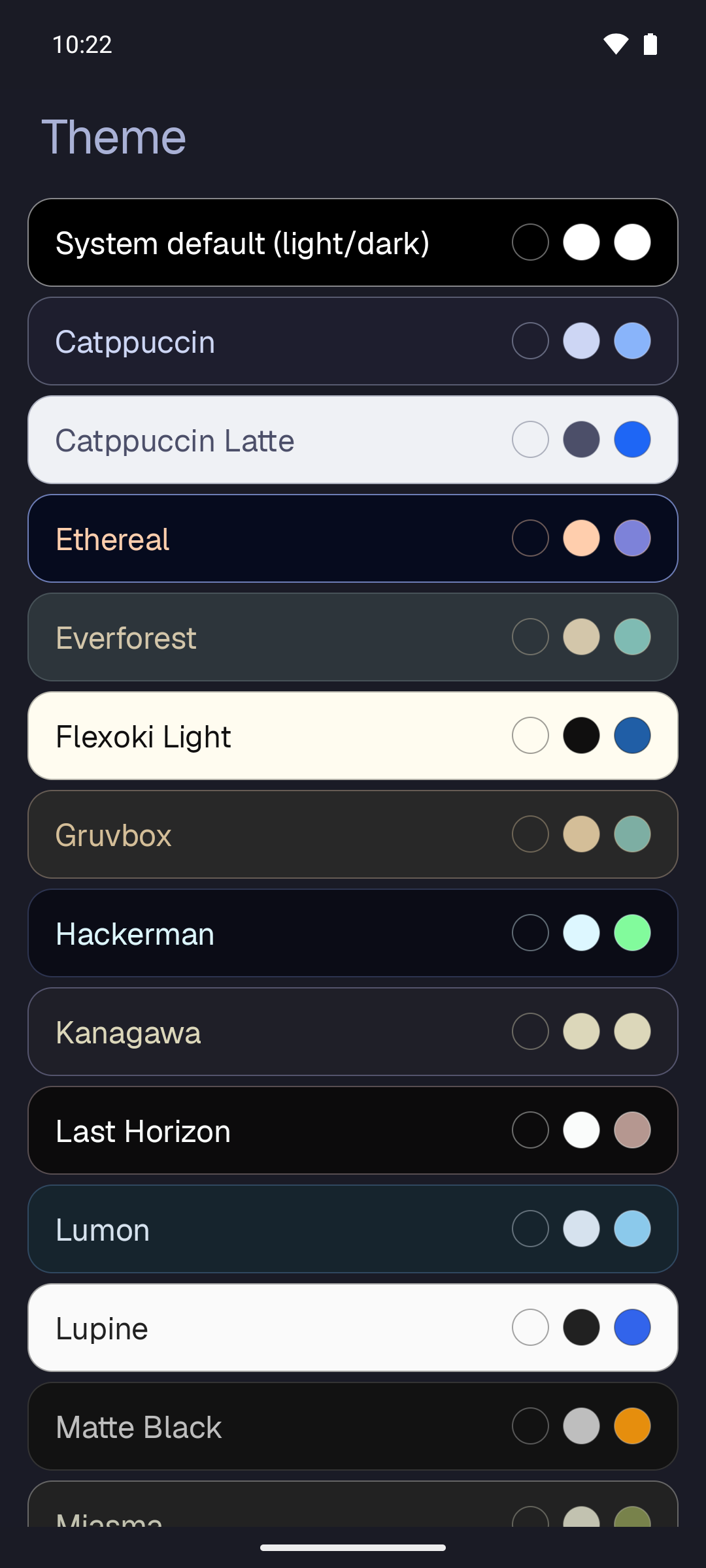
The themes come from Omarchy, so your phone can match your desktop. Try one above.
Say it, it's on the board
Tap the microphone, or long-press power, and say "Ligar ao contabilista amanhã às 10". Yoke takes the date and time out of the sentence, in Portuguese or English, and files the card for tomorrow at 10:00. The phone's on-device recognizer does the listening when it has one.
Long-press power can open Yoke instead of Gemini or Bixby: voice quick-add, the palette, your Today sheet or your agents, over whatever app you're in. Off until you turn it on.
Text, icons, or both
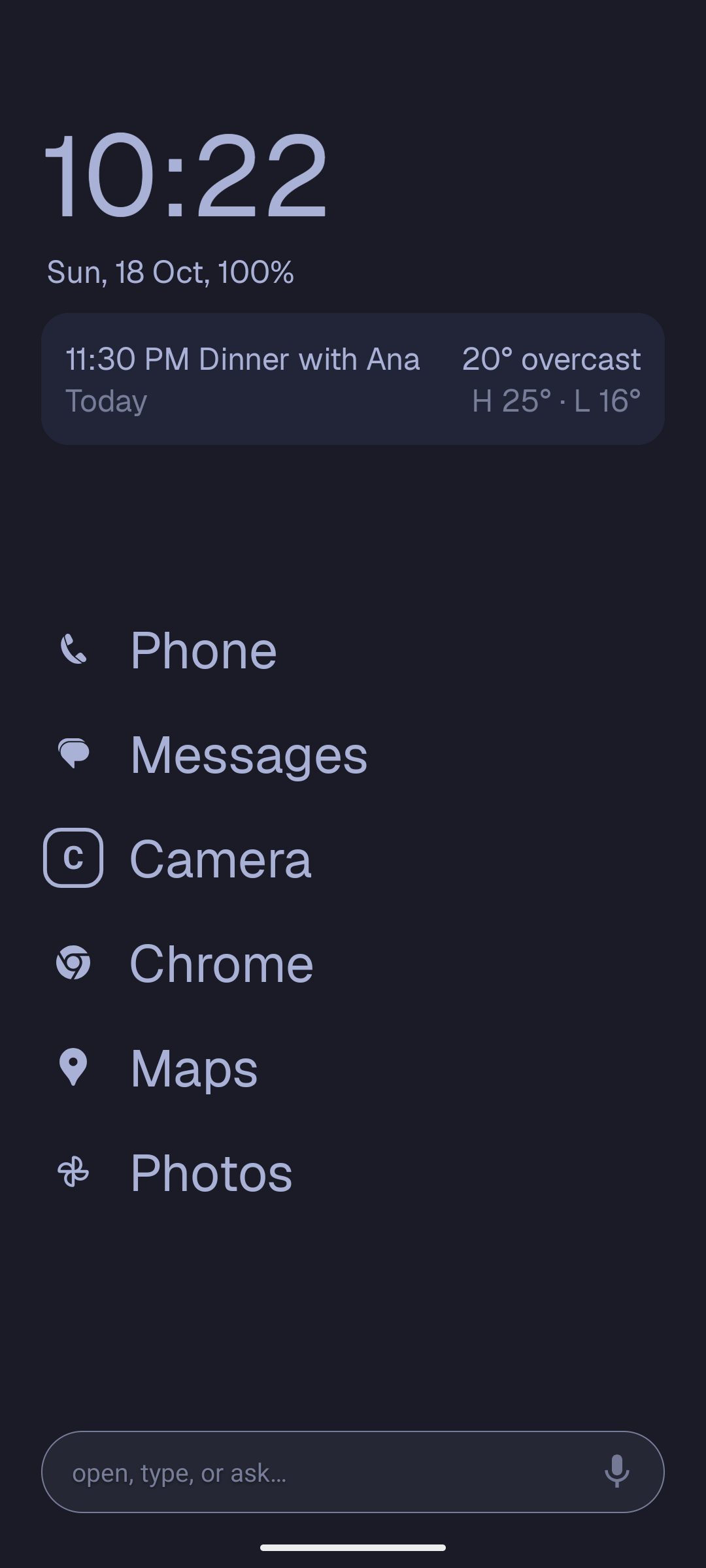
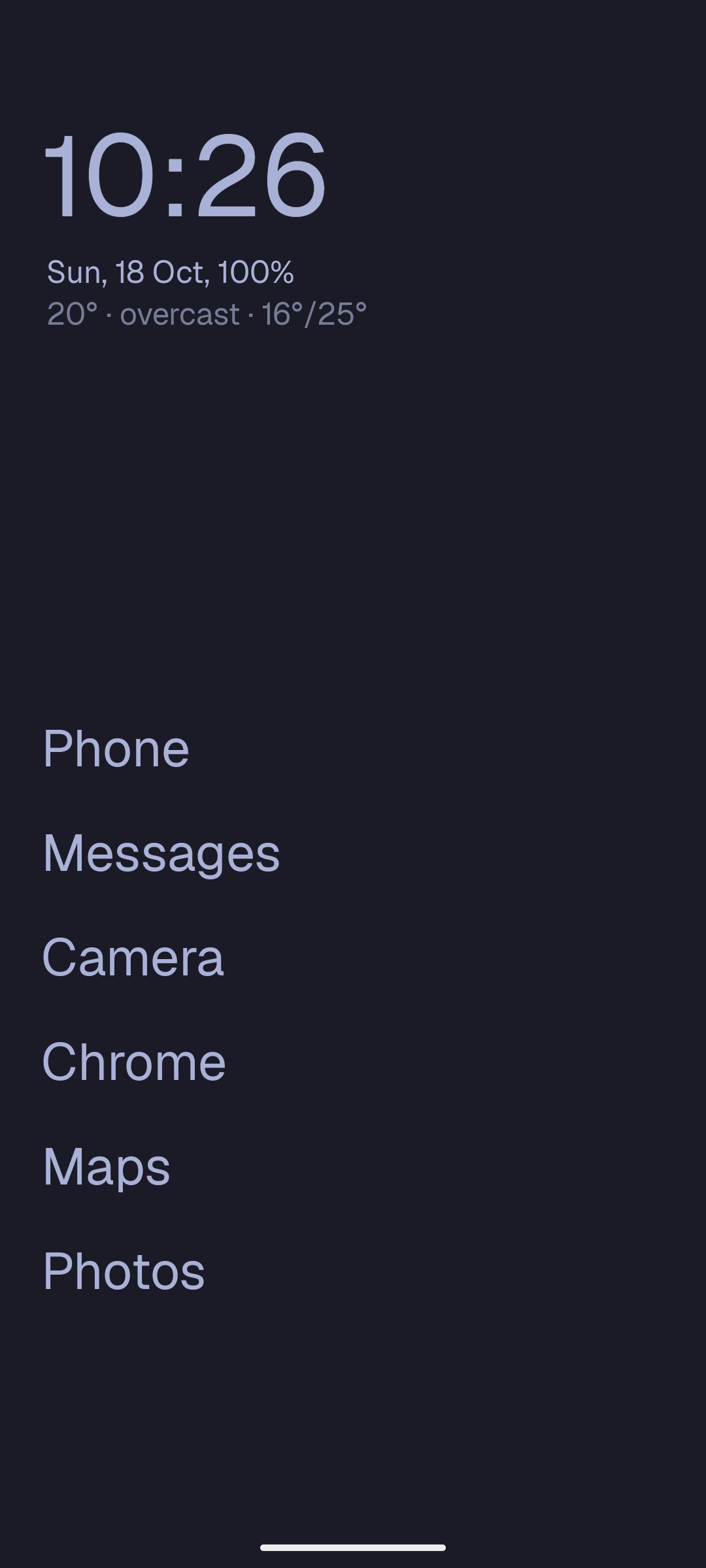
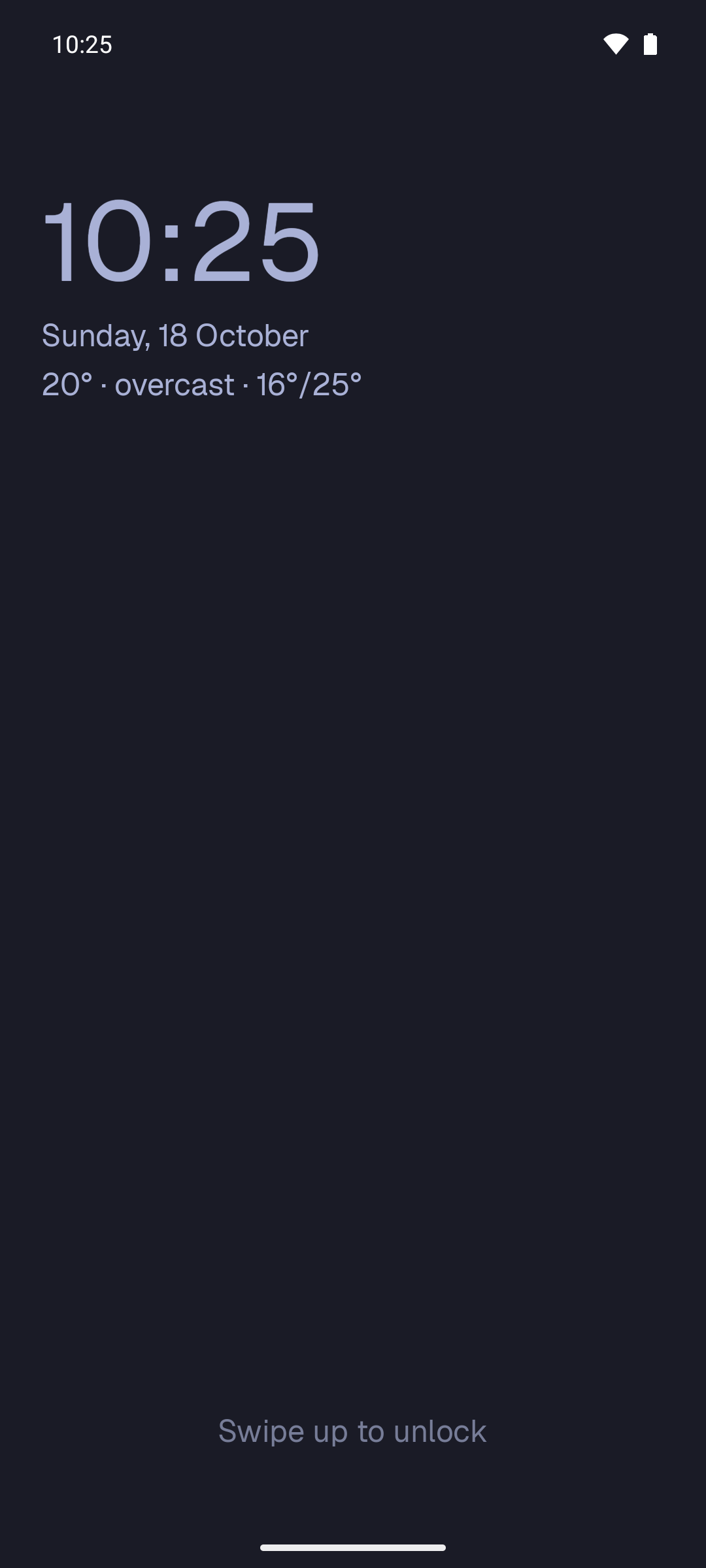
Home apps as plain text, icon and name, or icons only, tinted to your theme. A glance card under the clock shows your next event from Calendar or Cockpit, with the weather. An optional bar at the bottom opens apps, searches, or hands a question to Gemini or whichever agent you use.
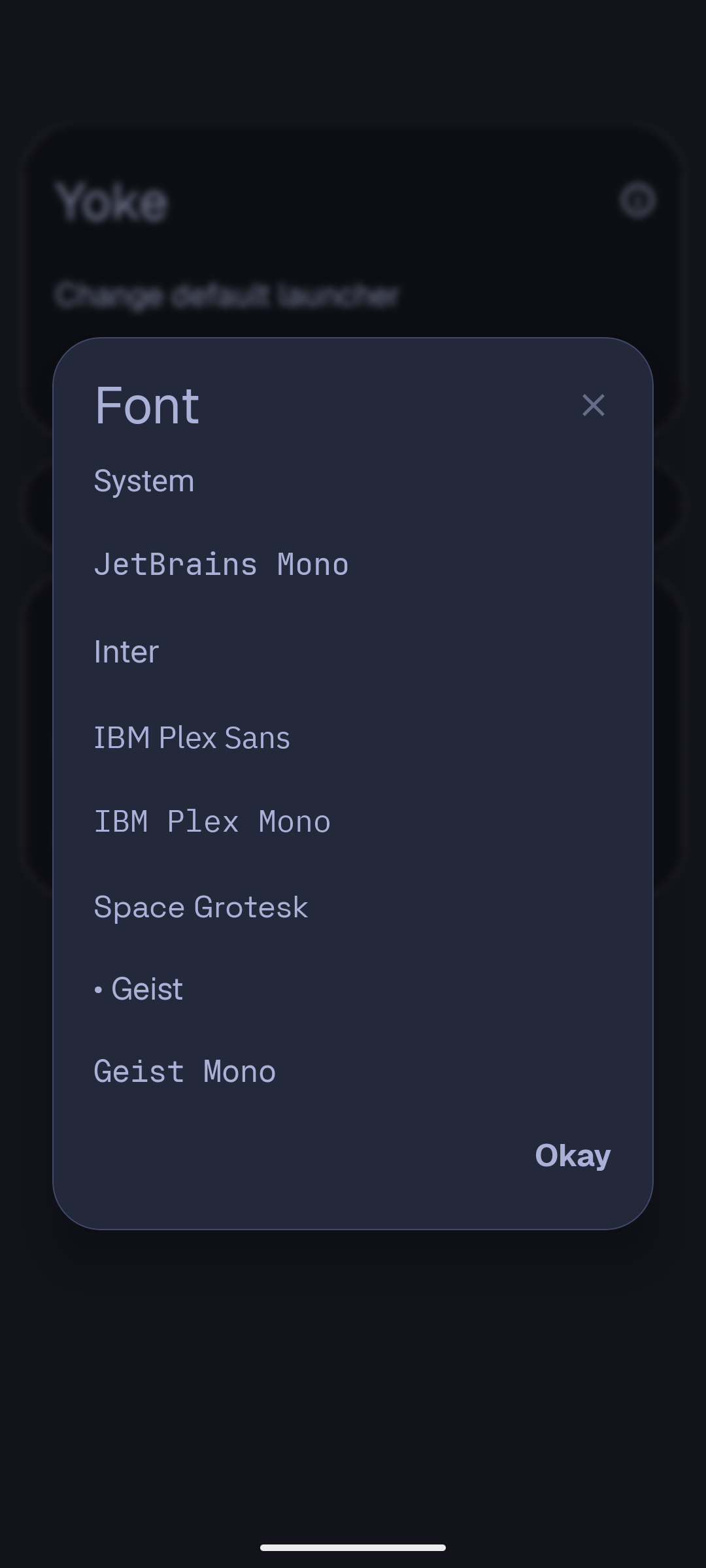
Eight bundled fonts, themes that fade instead of flash, and a lock screen that goes as far as you want: the theme's wallpaper, the system's colours, or Yoke's own screen.
Calm by default
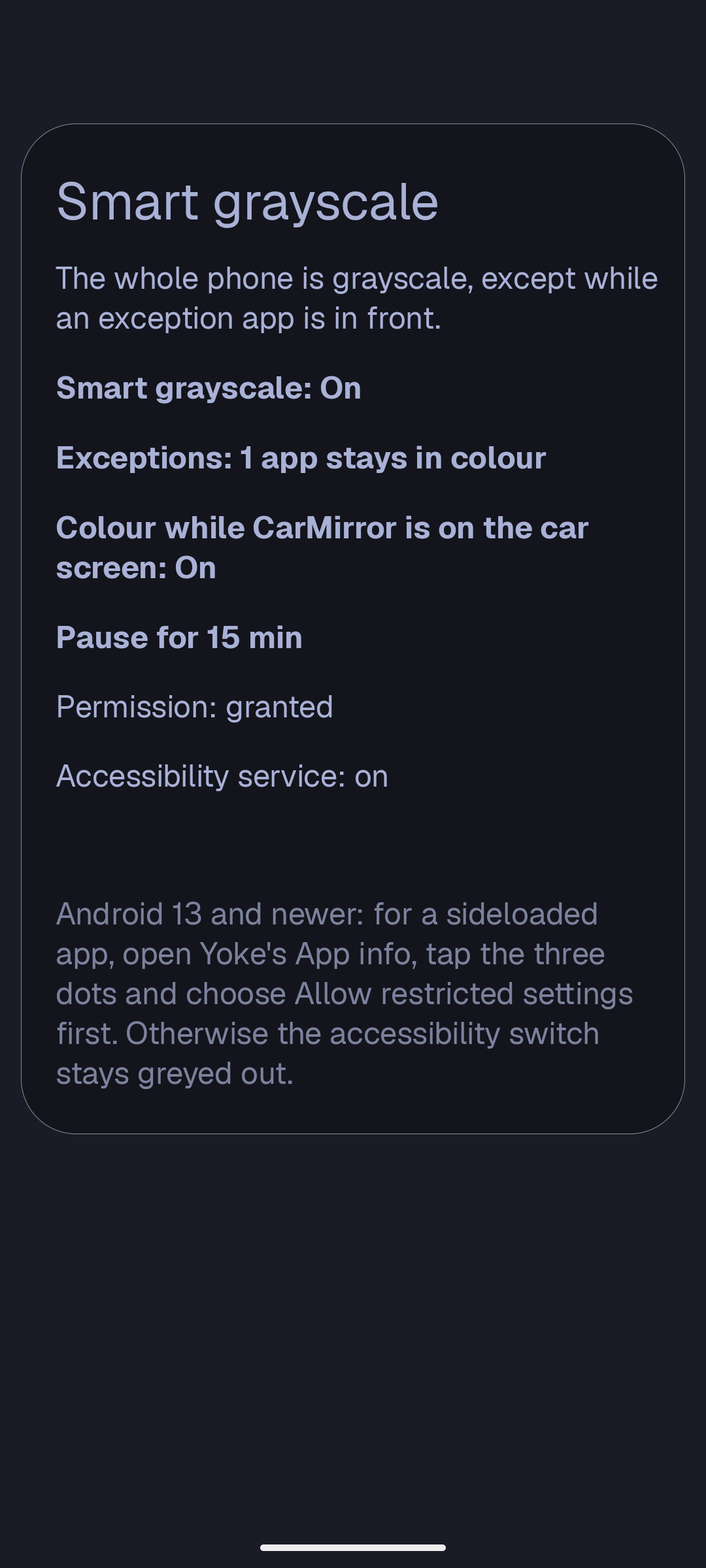
Smart grayscale turns the screen gray, except in the apps you choose, so the colourful ones stop pulling at you. It stays in colour while CarMirror is on the car screen. Grant its permission from the phone with Shizuku, no computer needed.
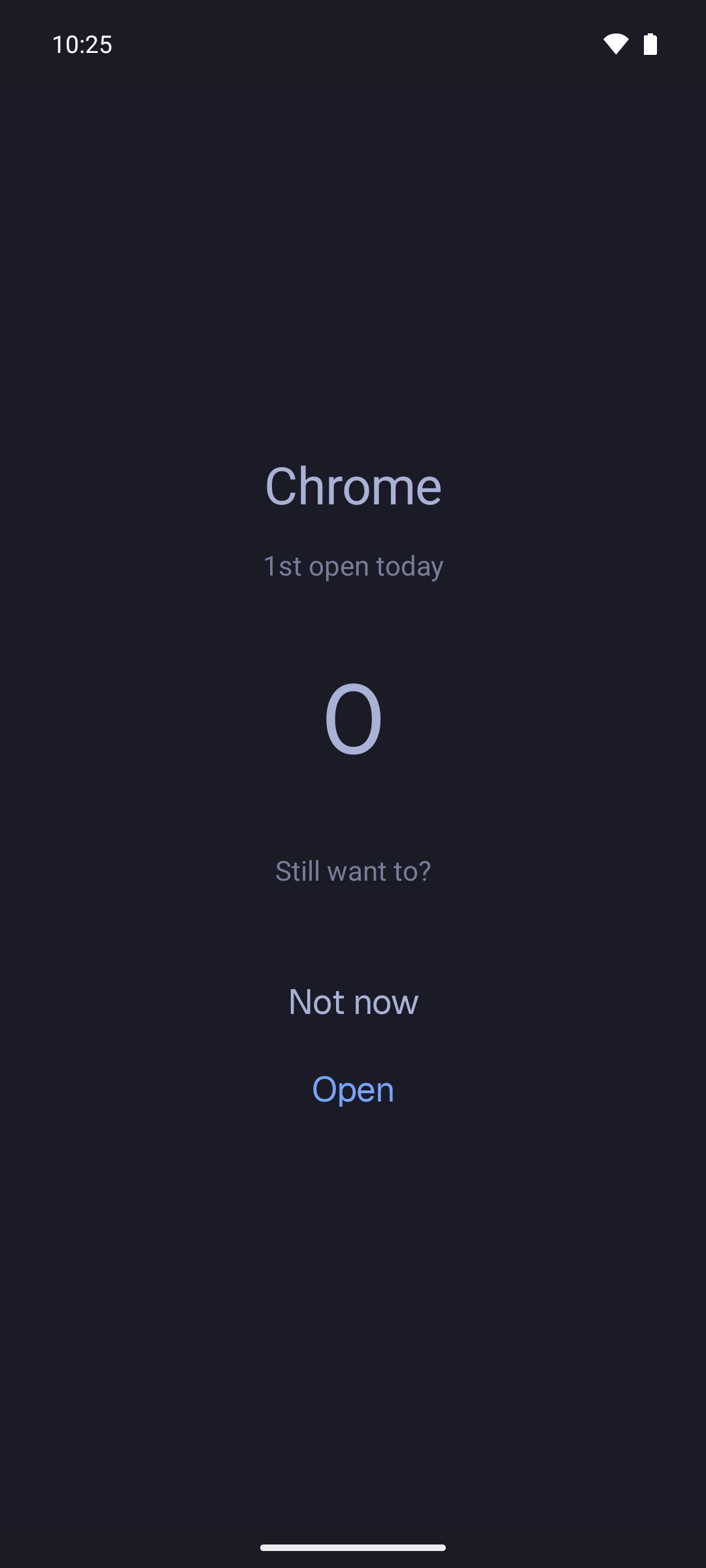
Limited apps open after a short pause that grows with every open that day: 3 seconds, then 5, 8, 13, up to a minute. With Shizuku, a hard pause makes Android itself keep the app shut until the countdown ends.
Your phone, your PC's theme. Pair with your Omarchy PC through Conductore and the phone follows your desktop theme live. Android's own colours can follow it too.
Notifications only appear on home for the apps you pick. Weather is one quiet line. The wallpaper follows your theme, or uses an Omarchy background or your own photo. An optional row of monochrome icons sits under your apps.
Export your whole setup to a file, or keep a copy in your vault, and bring it to your next phone.
Read the guide for how to set up each of these.